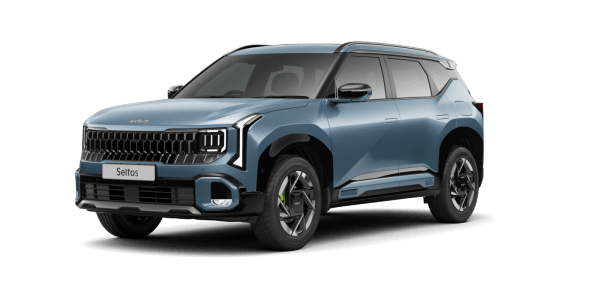


Over-the-Air Software Updates
Experience the next-gen of convenience with over-the-air software updates (OTA) with up to 30 controllers*
What are Over-the-Air Software Updates?
Over-the-Air (OTA) Software Updates represent a major advancement in how you maintain your Kia.
With Kia Connect 2.0, the latest software updates for Infotainment, TCU, ADAS, HUD, etc are delivered wirelessly, allowing you to download them while on the move.
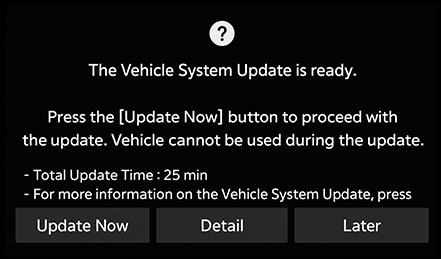
Once the download is complete, a prompt on your vehicle’s infotainment screen will guide you through the installation of the latest features and improvements,
keeping your Kia at the forefront of innovation.

Benefits to Customers

Maintain the Feeling of a New Car
Ensure your Kia always feels new by regularly updating its software.

Convenience on Fingertips
Enjoy the simplicity of wireless software updates for your Kia. Easily resolve software issues with quick and convenient updates.
How to Update Your Kia's Software Over-the-Air?
Step1
Ready for Update
Your Kia will automatically download the latest software version while you drive, if available. Once the download is complete and your vehicle is turned off, follow the instructions on the infotainment screen to start the update. *Note: Update items and start time may vary based on your current software version.
Step2
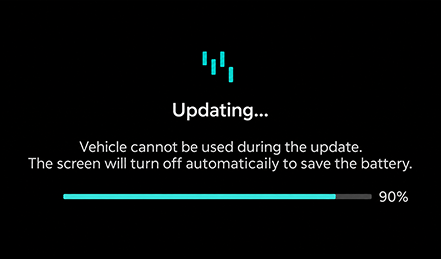
Monitor Update Progress
Check the update progress on your Kia's infotainment screen. *Note: During the update process, you will not be able to operate your vehicle. Ensure you have enough time before starting the update.
Step3
Update Complete
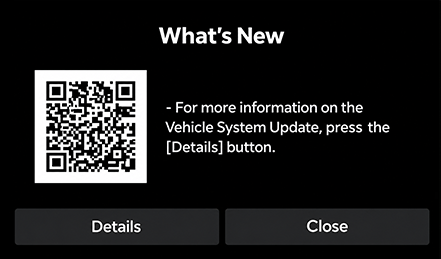
Once the update is finished, scan the QR code on the infotainment screen or call 1800-108-5000 for more information.