 Test drive
-
Vehicle to Load.

-
Your Kia EV is a dynamic source of energy. With Kia's Vehicle-to-Load (V2L) feature, you can tap into your EV's stored energy to charge electronic devices like e-bikes, power your electrical camping gear, or even run select household appliances, all while your car rests with its engine off. To unlock this incredible capability, you'll need the V2L External Adaptor.

-
How to connect outdoors
Using V2L externally.
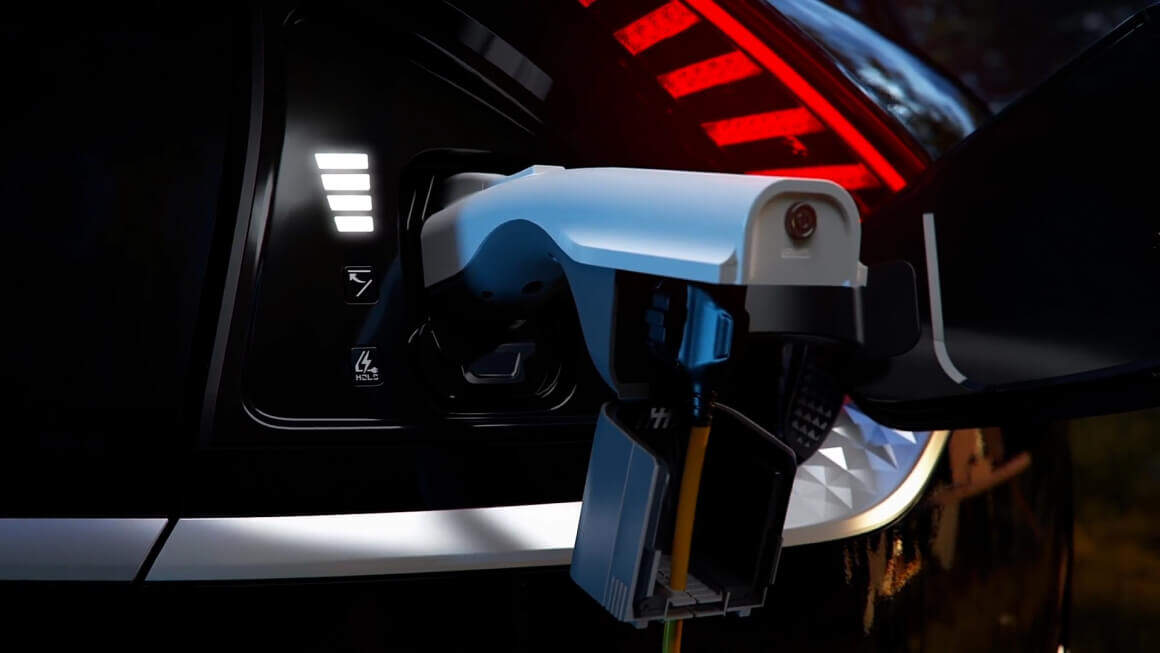
- Remove the V2L connector's cover.
- After connecting your electrical devices to the power socket, close the lid.
- Connect the V2L connector to the vehicle's charging port.
- Press the V2L connector's switch to see whether the light is on or off.
- The V2L will turn off when you press switch to turn off the light. When the light goes out or the charging door lock is disabled, you may disconnect the V2L connection by pressing the door unlock button on the smart key.
-
How to connect indoors
Using V2L internally.
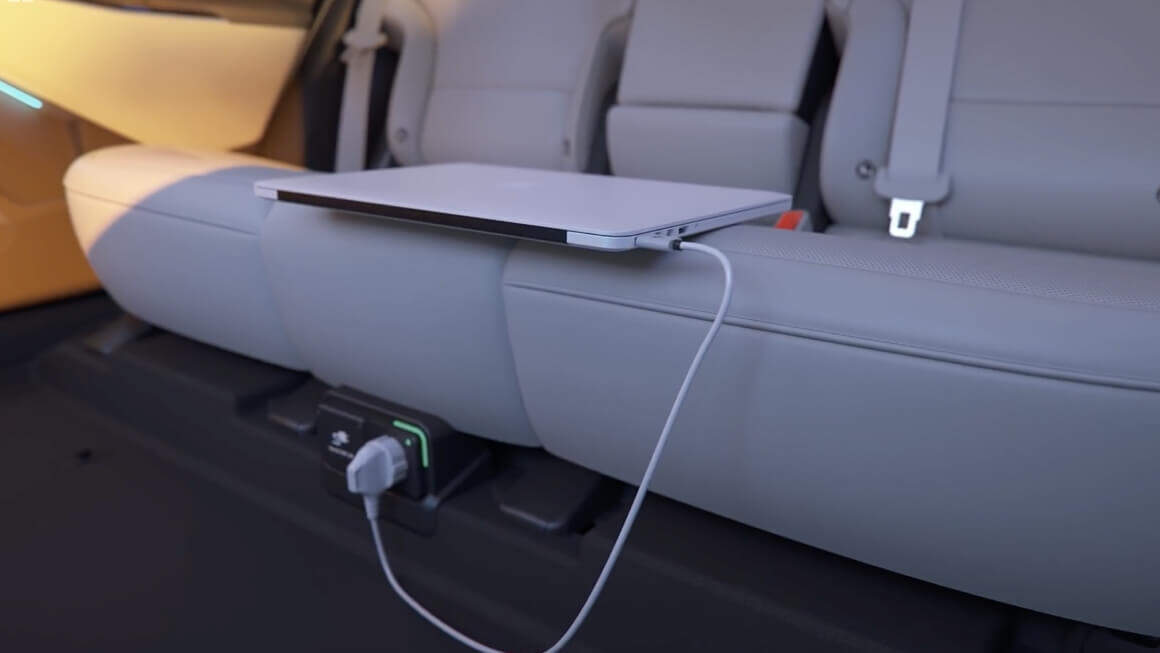
- Locate the V2L power outlet inside the vehicle.
- Press the EV button to the ON position.
- Slide the V2L power outlet cover to open and connect a device.
- Check the operation status through the front indicator of the power outlet.
-
Discharging Limits
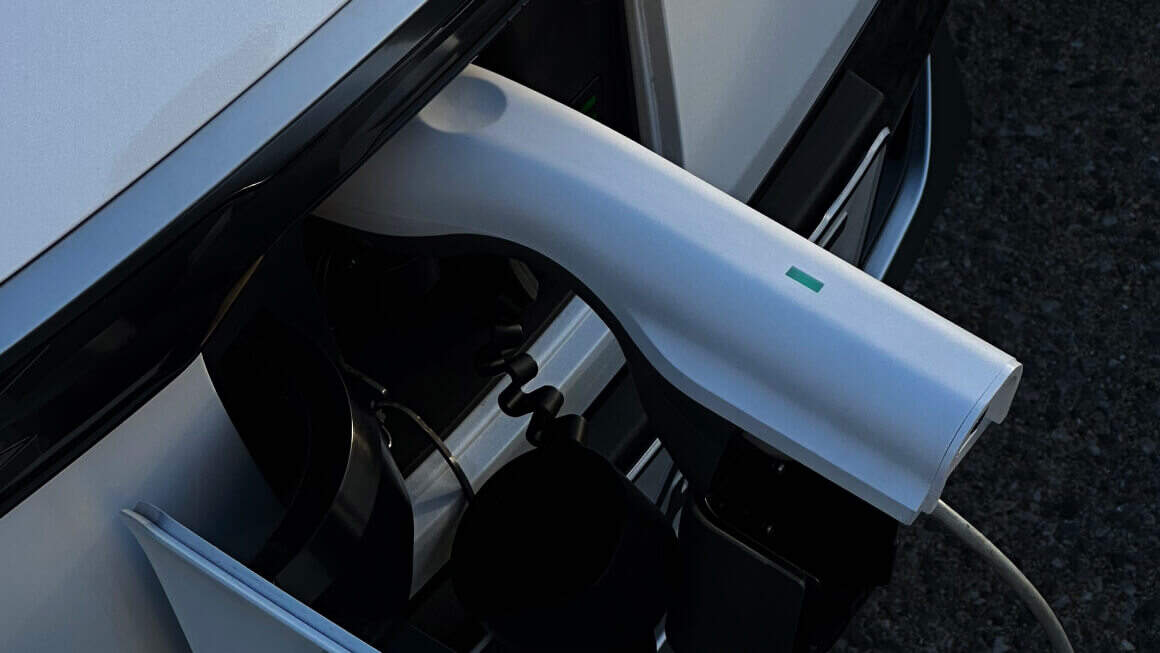
Setting battery discharging limit. Personalize your electric experience with the ability to set your battery discharge limit. Access the V2L electricity use settings and set the minimum percentage. If your vehicle reaches this limit, it will automatically cut the supply of electricity.
-
General safety guidelines
Vehicle-2-Load by Model
Model| Trim | V2L Functionality | V2L Adaptor |
|---|
| Niro EV | ||||
| EV3 | ||||
| EV3 | ||||
| EV3 | ||||
| EV4 | ||||
| EV4 | ||||
| EV4 | ||||
| EV4 Fastback | ||||
| EV4 Fastback | ||||
| EV4 Fastback | ||||
| EV5 | ||||
| EV5 | ||||
| EV5 | ||||
| EV6 | ||||
| EV6 | ||||
| EV9 | ||||
| EV9 |