Connectivity
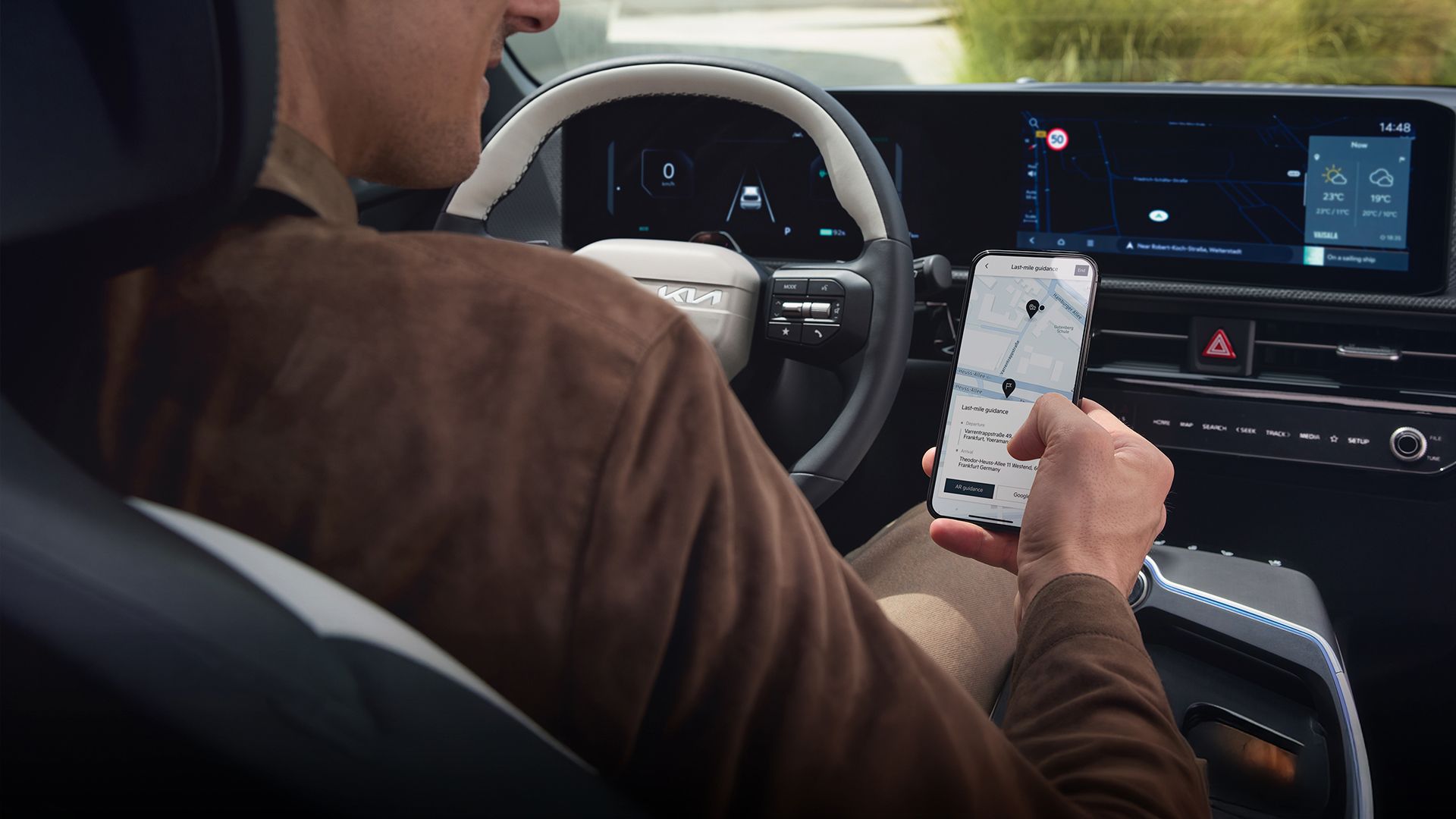
Kia Connect
Stay connected, smart, and secure with Kia Connect
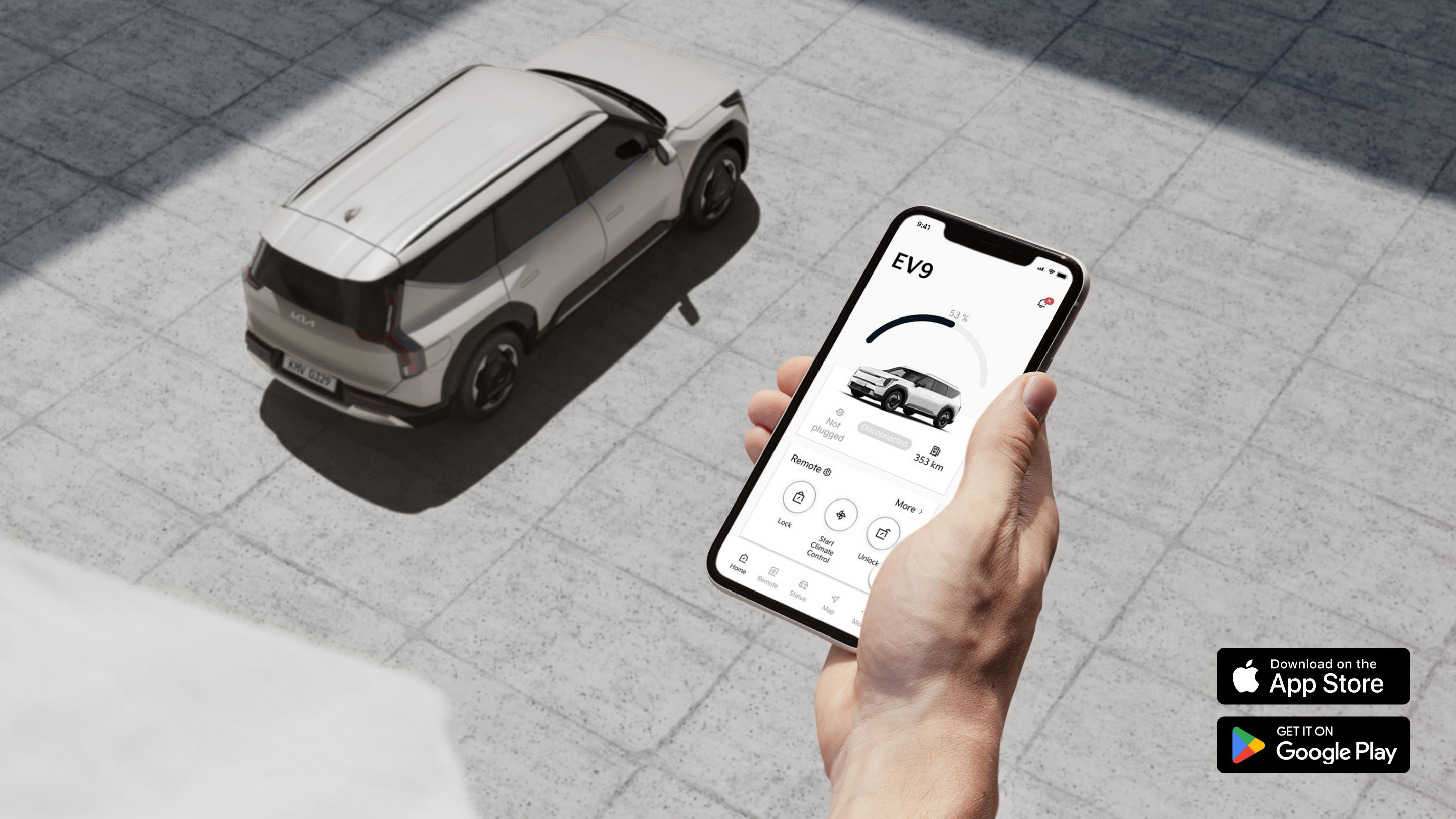
Your Digital Co-pilot
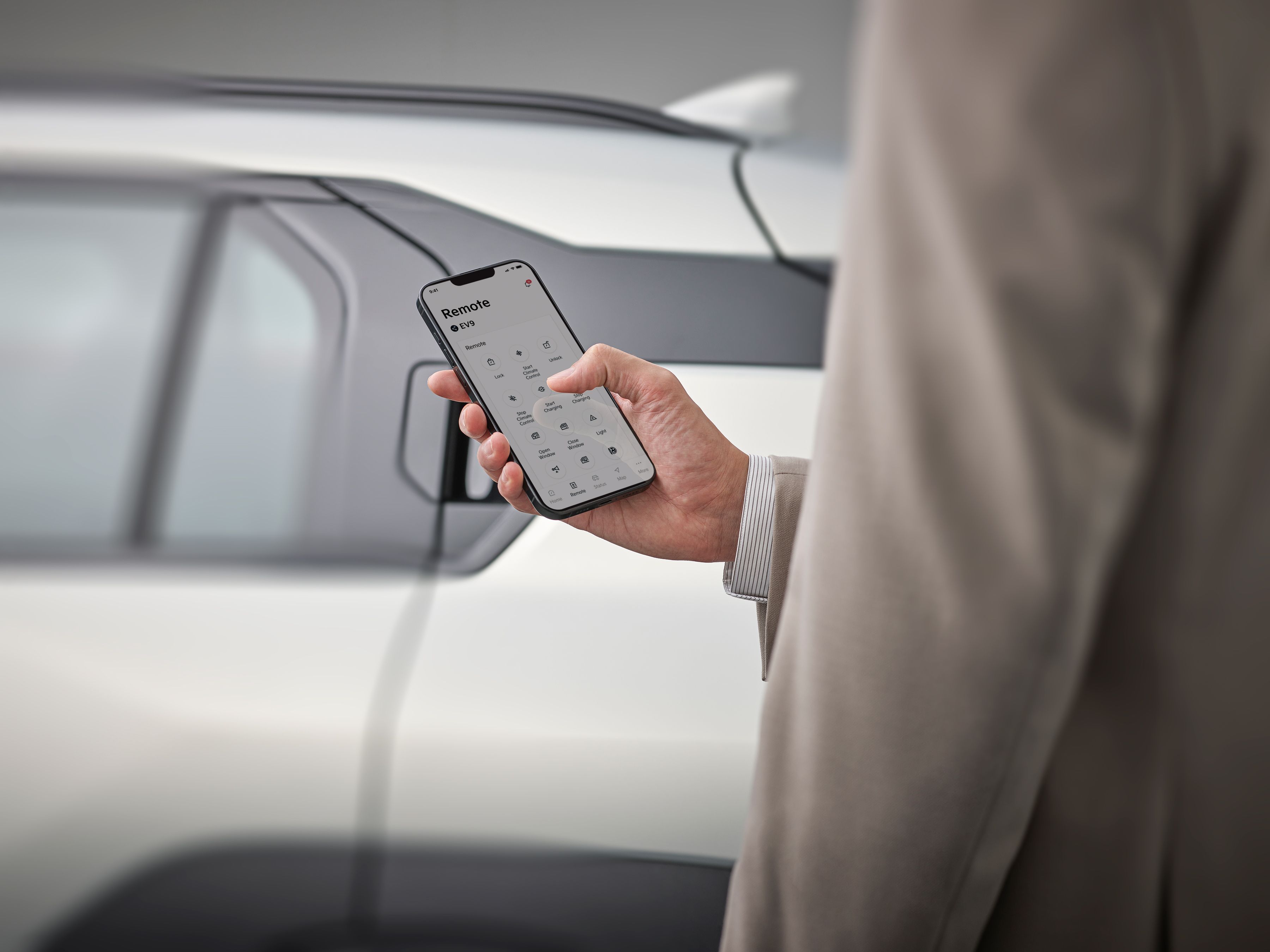
Kia Connect offers you a wide range of digital features and services to enhance your day-to-day mobility before, during, and after your trip. Discover intelligent remote control functions including remote engine start and door lock control, as well as innovative in-car services designed to make driving your Kia even more comfortable and turn every journey into an experience.
Step Into a Connected World. Powered by Kia Connect. Driven by You.
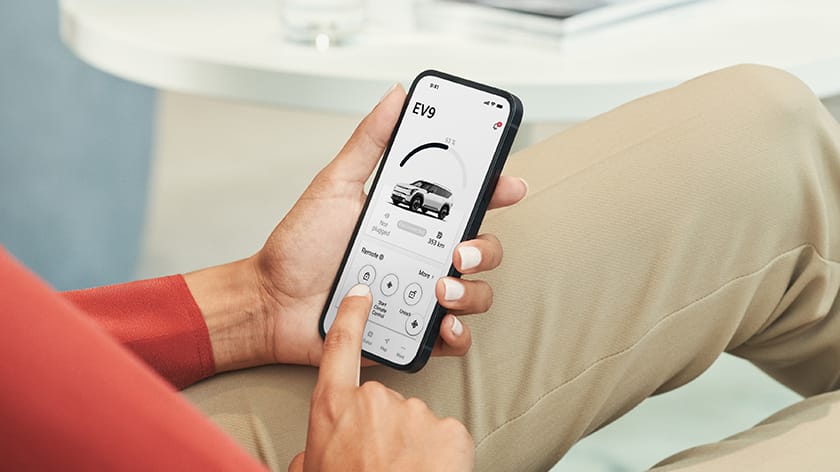
Remote Start & Climate Control
Start your vehicle remotely, and set the cabin temperature before you even step inside.
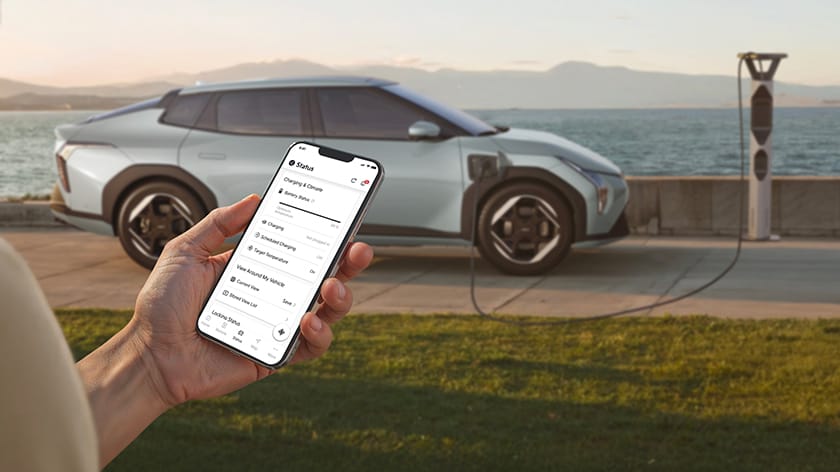
Remote Charging Control
Monitor and manage your vehicle’s charging remotely. Start or stop charging, check charging status, and ensure your vehicle is ready when you need it.
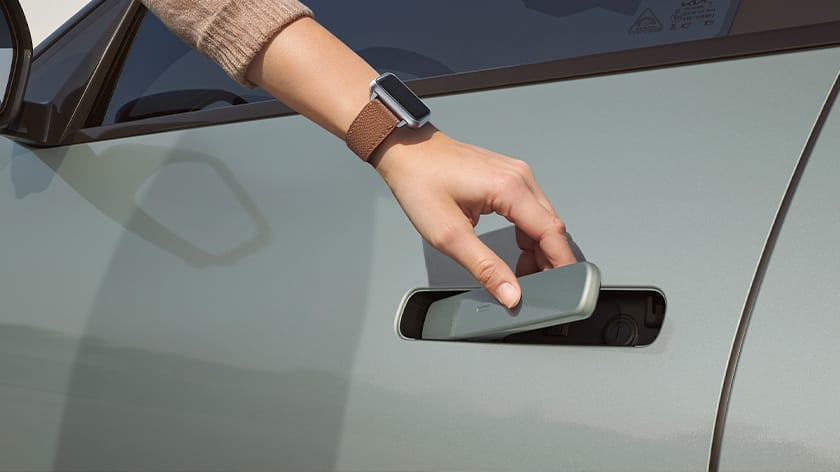
Digital Key 2
Take advantage of keyless entry and the ability to share your keys virtually with family and friends.
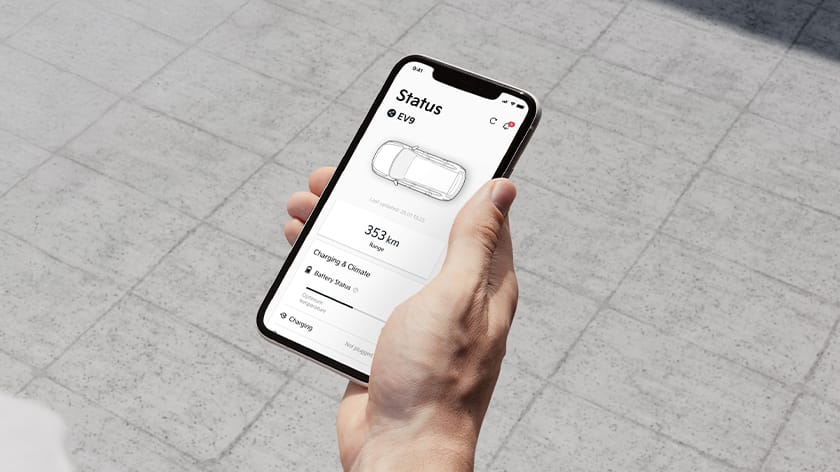
Remote Vehicle Status
Kia Connect notifies you of your Kia's condition, including tire pressure, fuel status, and door or trunk open status, that you may not have been aware of.
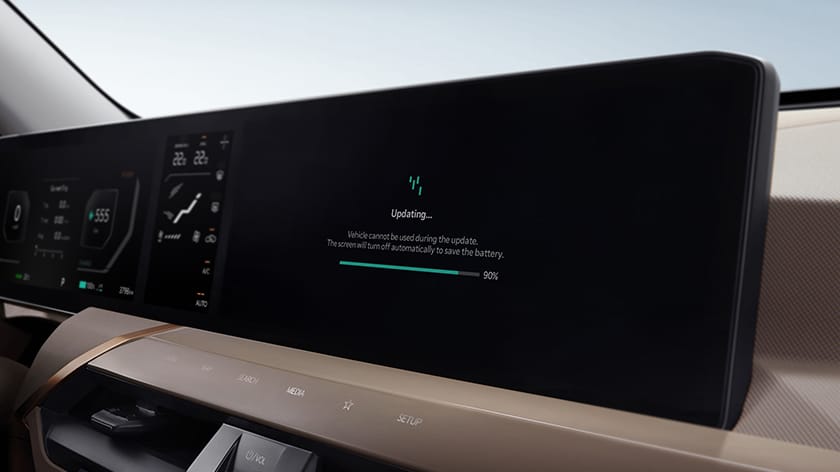
OTA Navigation Updates
Get automatic wireless software updates to keep your navigation up to date.
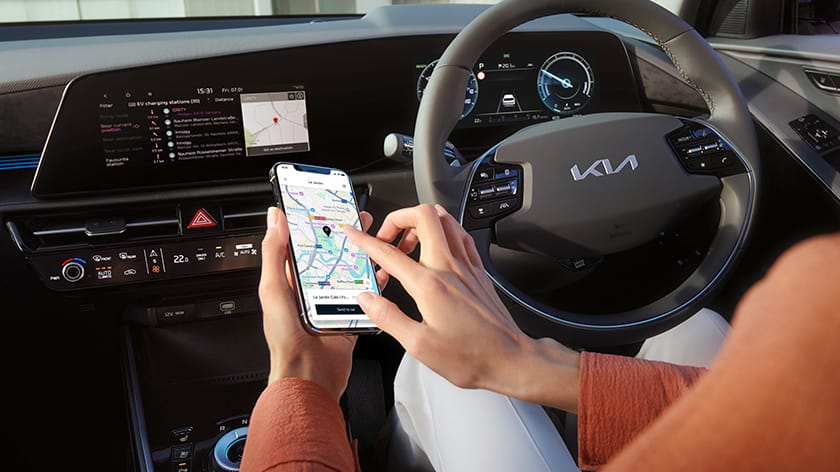
Send Destination to Your Vehicle
Use the Kia Connect App to send your destination to your Kia, so it’s ready to go when you start the car.
Additional Features
Theft Alert
A notification will be sent in case any unusual activities or damages are detected in your Kia.
Geo/Time Fence Alert
Kia owner may designate an allowed/restricted area or time window to ensure the vehicle safety.
Driving Info
Using Kia Connect App, you can check your daily driving information for the last 90 days.
Remote Door Lock/Unlock
Did you forget to lock your Kia? Whether you're at home, work, or on-the-go, you can easily lock or unlock your doors with the Kia Connect App.
Remote Horn/Light
You can easily locate your Kia’s parking spot by flashing emergency lights or sounding the horn.
Connected Routing
You can access the fastest route for your journeys through Kia Connect's cloud-based live and real-time traffic data.
How to Activate Kia Connect
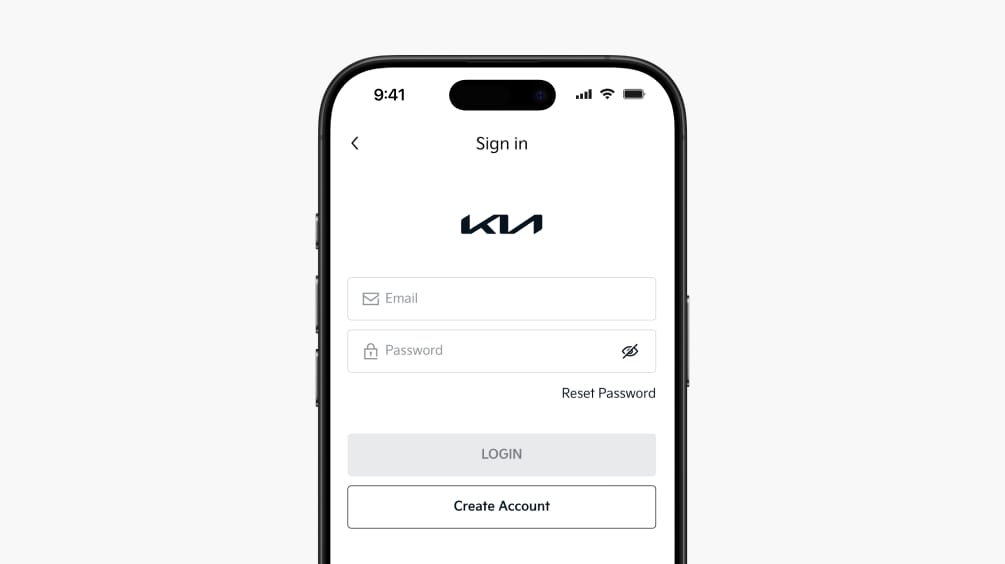
Step 1. Create Your Kia Connect Account
Select your country and create a Kia Connect account using your email address. If you already have an account, simply sign in to continue.
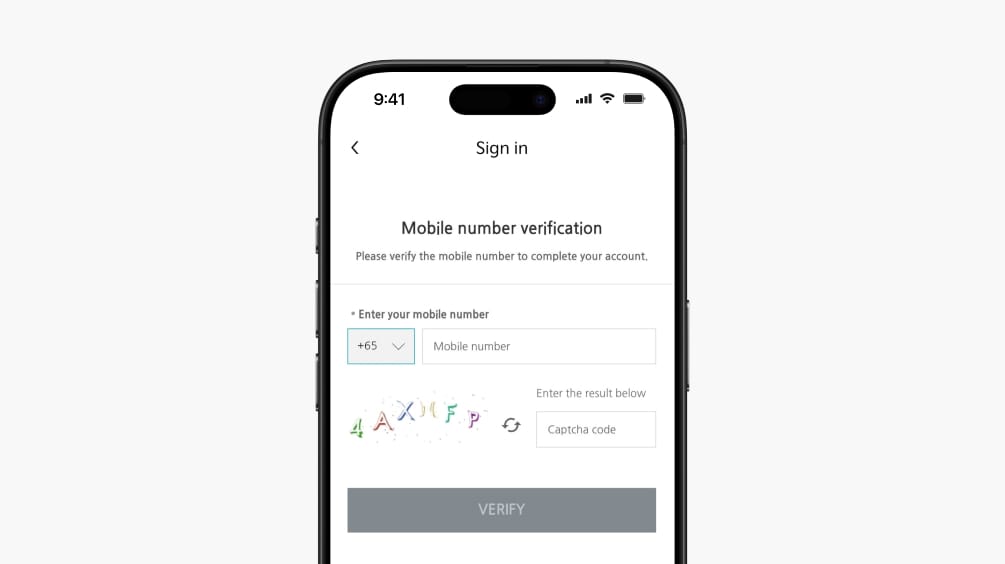
Step 2. Verify Your Mobile Number
Verify your mobile number to complete your account setup and enable secure access to Kia Connect services.
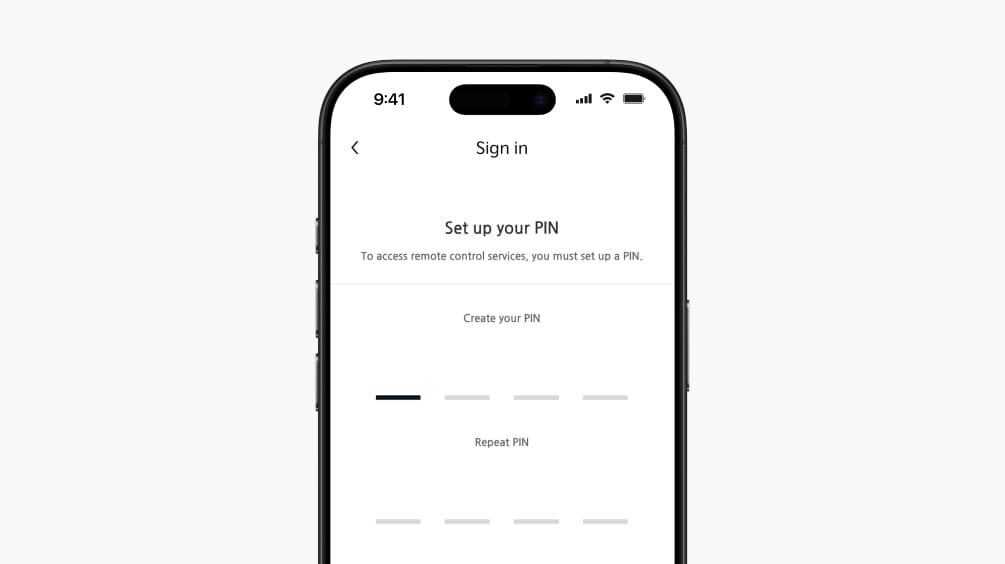
Step 3. Set Up Your Security PIN
Set up a 4-digit PIN to access remote control features.
*Make sure to remember this PIN, as it is required to send commands to your Kia.
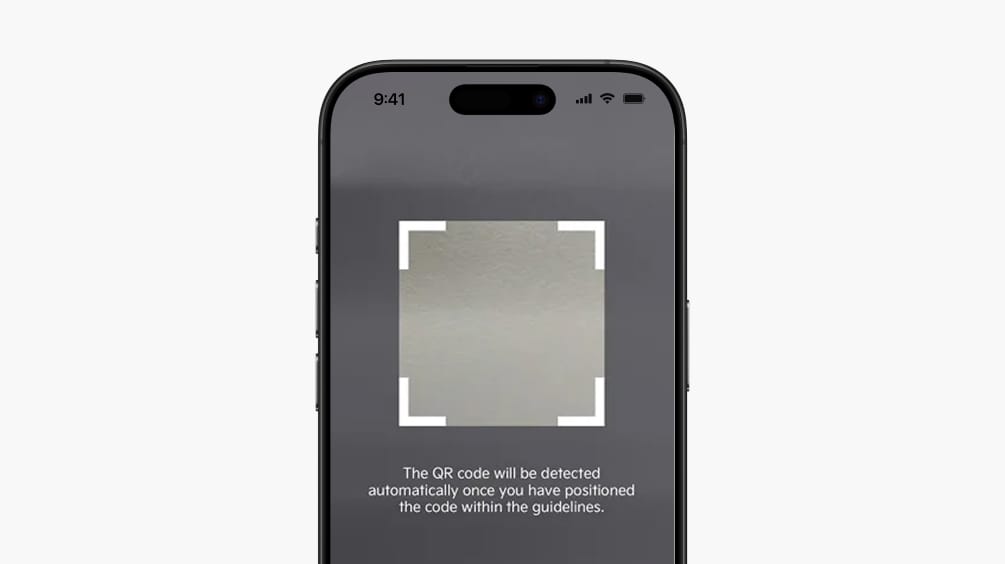
Step 4. Add Your Vehicle
Add your vehicle to Kia Connect by scanning the QR code in your vehicle or by entering the VIN manually.
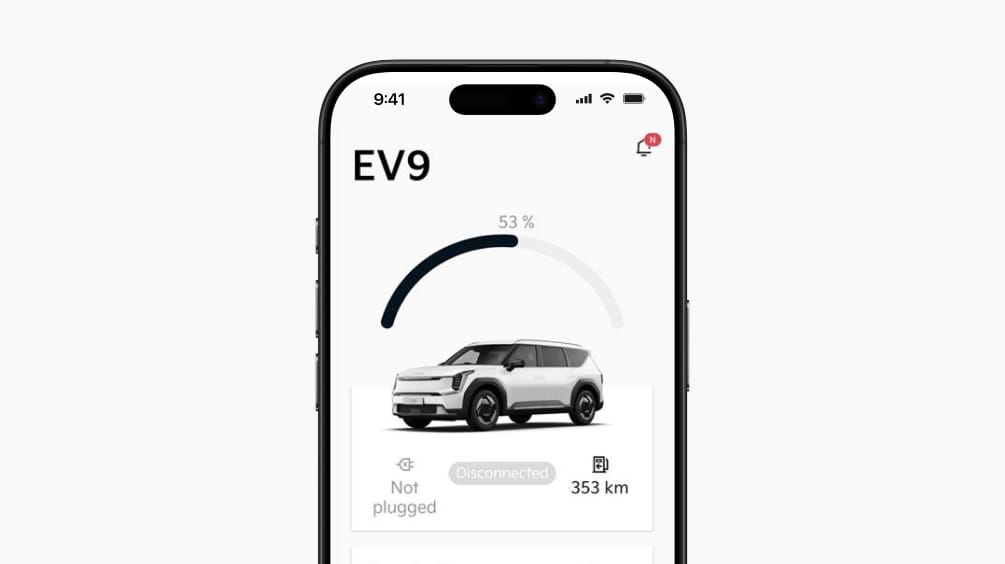
Step 5. Verify Your Vehicle & Get Connected
Enter the verification code sent to your vehicle to complete the connection. Once verified, your Kia Connect services are ready to use.
FAQ - Usage
-
In case of any trouble related to Kia Connect please contact our Kia Connect Call Center. You can find the phone number for your country in the Kia Connect app.
-
Yes, the app uses notifications to alert users to anything important relating to their car. It is possible to turn off or customise notifications from the app.
-
You can share your car with another user who also downloaded Kia Connect App and has an account with a valid phone number. Simply follow the below steps:
1. Select the vehicle in the My Vehicle page and then click the Share car button.
2. Enter the phone number of the person you want to share your car with and set a PIN code.
3. A push notification will be sent to another user's phone, informing them that you want to share your car. After entering the PIN code defined by you in the previous step, the car will appear in their account.
There is no limit in the number of shared users.
-
This could happen if your car has lost the connection to our network e.g. parked underground. Therefore, the car’s status is not updating. Once your car is again in location with good network, you can refresh the status from the Kia Connect App by selecting Status and Refresh icon on the top of the screen.
-
Yes, you can remove the button by navigating to More→ App Settings → unselect the Floating Home Screen Button.
-
The Kia Connect App allows you to link your Kia Connect account with the Driver Profile in your car. If you have a compatible software version, you can find the option to link your Driver Profile directly from the Kia Connect App or from the car’s screen. After successfully linking your profile, you will be able to adjust your vehicle settings directly from the App; as well as back up settings information and apply it later to another car.
-
Check whether your vehicle is parked in areas where the GPS reception is poor such as underground parking lots, between mutli-storied building etc., Move your vehicle to a location with good GPS reception and all functions will operate normally. If the satellite reception is poor even in the open area, please visit your nearest service center.
-
To cool or warm your vehicle cabin with the Kia Connect app, just perform the Remote Engine Start and AC Start operation and you will be asked to set the required temperature. Then your vehicle will be started with your desired temperature settings.
-
Find My Car allows you to find your vehicle location. just tap on find My Car icon on the home screen of the Kia Connect app and enter your 4 digit PIN. Then your vehicle location will be popped up on the screen. Now tap on the vehicle icon, you will be able to see the Parking location.
-
The Vehicle Health Report contains a comprehensive diagnosis information of your vehicle which will help you to maintain your car in a good condition for longer run life.
-
You can set scheduled charging of your EV car through the Kia Connect app. Set departure time have to be set first before set the scheduled charging.
Download Kia Connect App
The Kia Connect App is compatible with smartphones running the latest versions of iOS and Android.
Kia Connect Customer Center
If you have any further questions, please do not hesitate to contact us.
63036866-
Mon-Sun
9:00 AM ~ 6:00 PM
More Support is Available