Connectivity
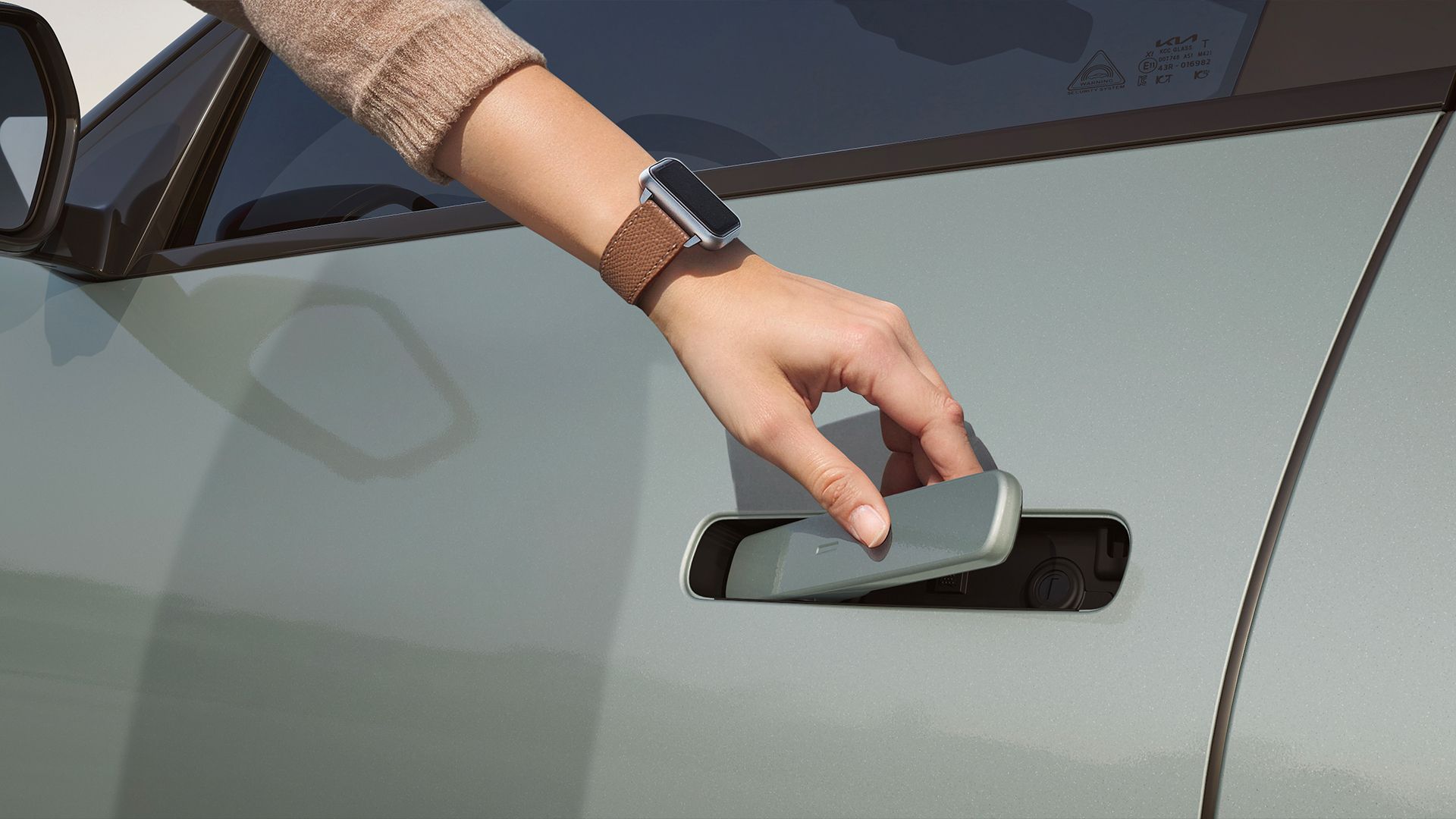
Digital Key
No keys needed. Your phone or smartwatch does it all
Benefits to Customer
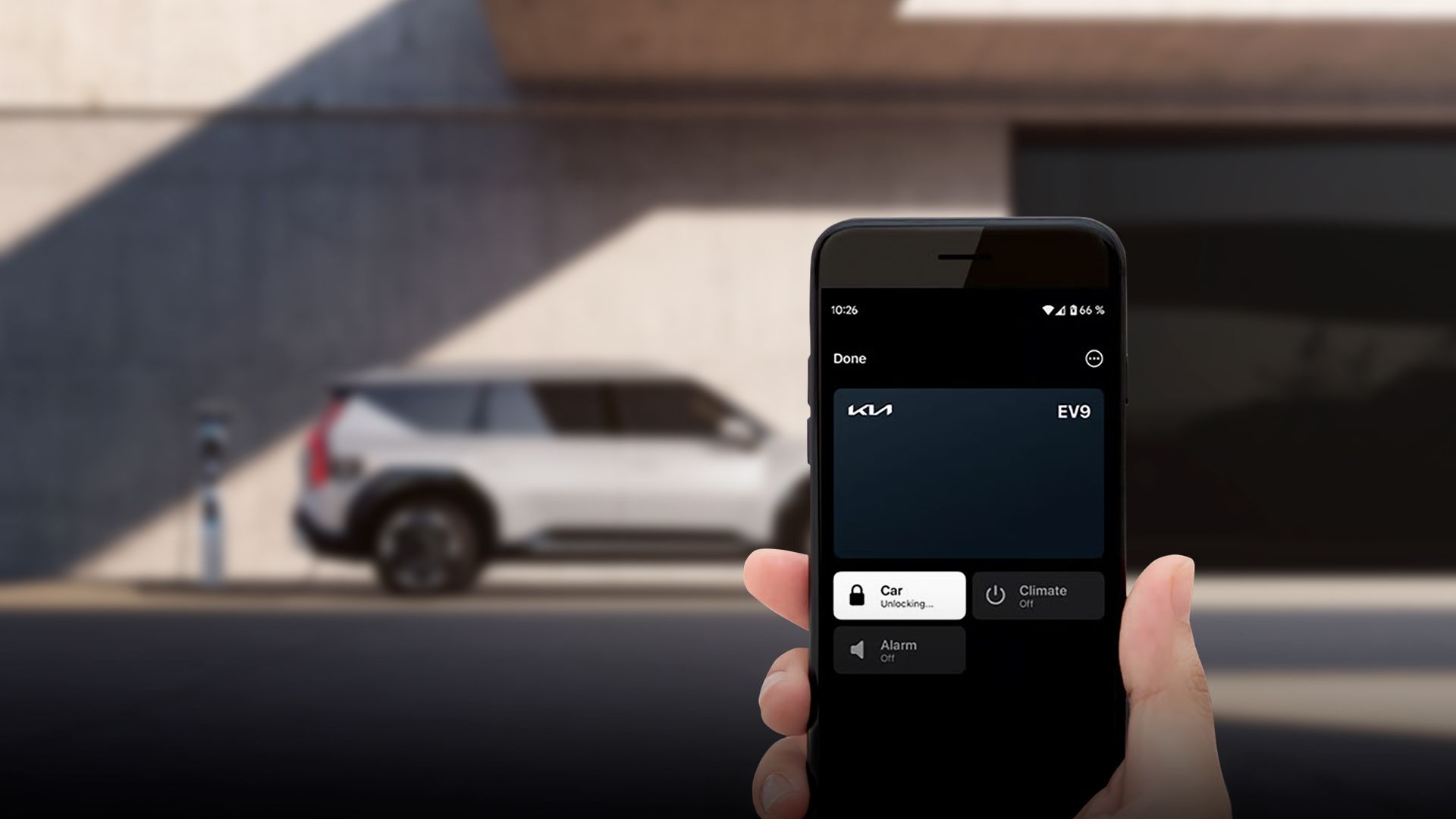
Forgot Your Keys? No Problem!
With cutting-edge NFC, Bluetooth, and Ultra-Wideband (UWB) technology, Kia Digital Key 2.0 lets your smartphone or smartwatch automatically unlock and start your car—no need to take your device out of your pocket or bag.
Share Your Digital Key Securely
Easily share your Digital Key with family, friends, or coworkers. You can set custom access levels, giving each person just the right amount of control—perfect for families or businesses that need flexible, keyless entry.
Broad Device Compatibility
Kia Digital Key 2.0 is built for versatility. Whether you use an Apple, Samsung, or Google smartphone—or even an Apple Watch—you can enjoy seamless access across your favorite devices.
Enhanced Security
Feel confident with advanced encryption and authentication that goes beyond traditional key fobs. And even if your phone’s battery runs low, the key retains enough power for a few hours—so you're never locked out.
Digital Key Setup (with UWB)
To fully enjoy Ultra-Wideband (UWB) technology with your Kia, please follow the settings below. Your vehicle will detect the device as you approach and automatically unlock the door. If your device remains near the back of the vehicle for 5 seconds, the trunk will open.
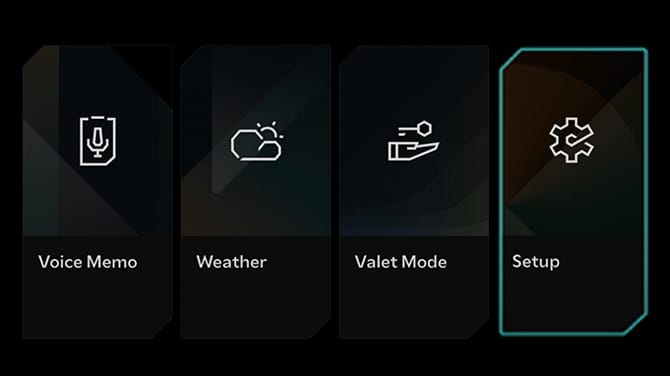
Step 1. Open Vehicle Settings
From the infotainment screen, tap ‘Setup’ to open the settings menu.
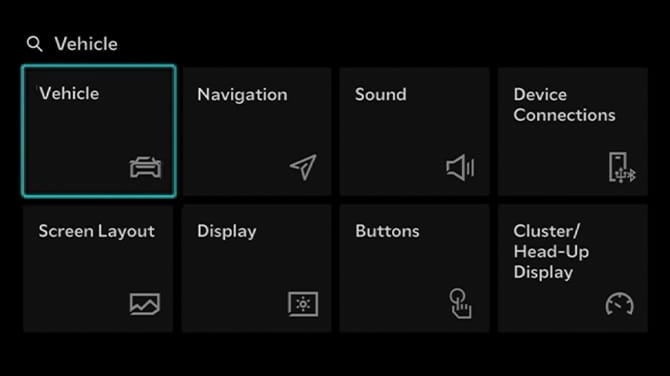
Step 2. Select Vehicle
Select ‘Vehicle’ in Settings.
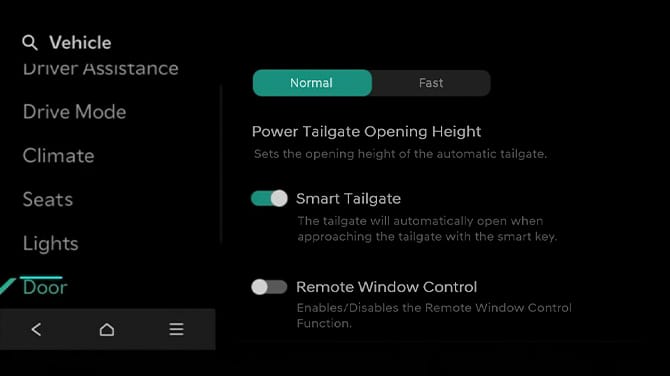
Step 3. Enable Smart Tailgate
Go to Door and turn on ‘Smart Tailgate’ to automatically open the tailgate when approaching with the smart key.
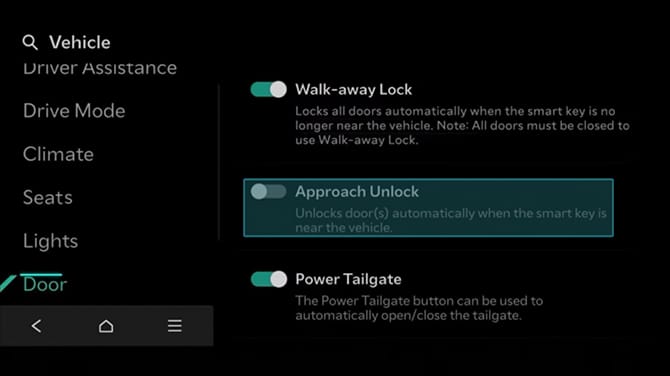
Step 4. Enable Approach Unlock
Enable ‘Approach Unlock’ to automatically unlock the doors when you approach the vehicle.
How to Activate Digital Key
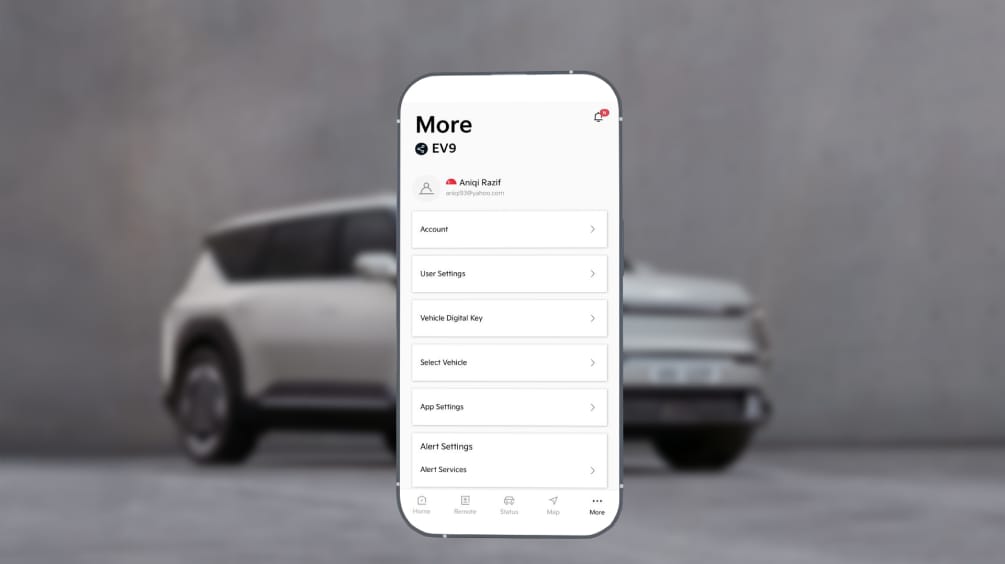
Step 1. Check Digital Key Availability
If your vehicle is equipped with Digital Key, You will see 'vehicle Digital Key' from Kia Connect App.
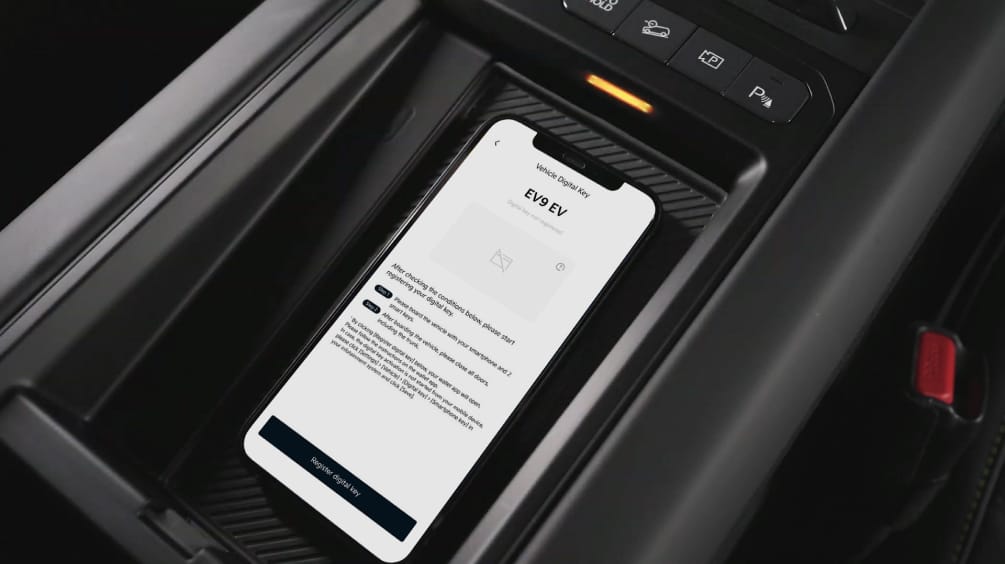
Step 2. Start Your Vehicle with Your Smartphone
Place your smartphone on the wireless charging pad and start the engine.
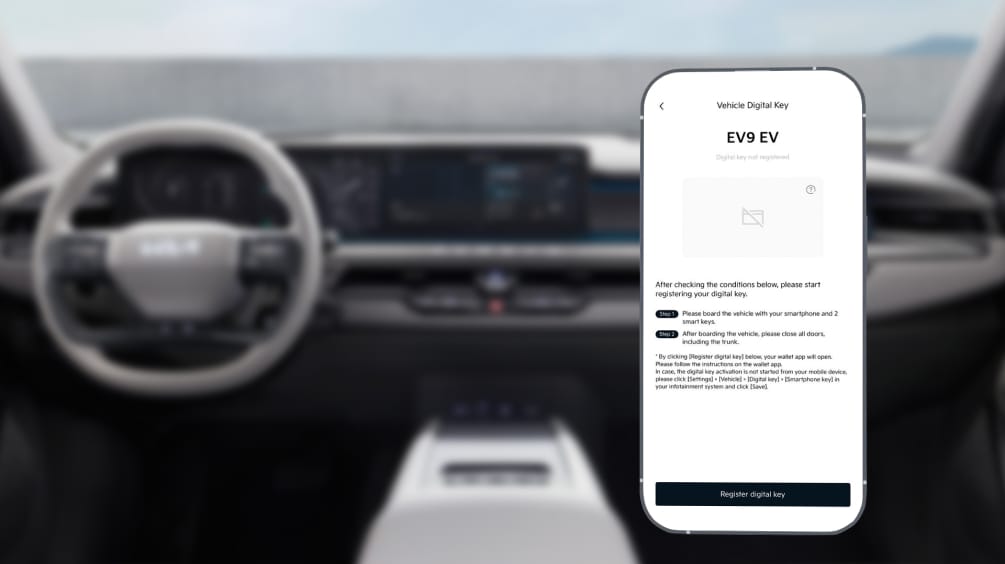
Step 3. Register Digital Key in the App
Launch the Kia Connect App, and select Register.
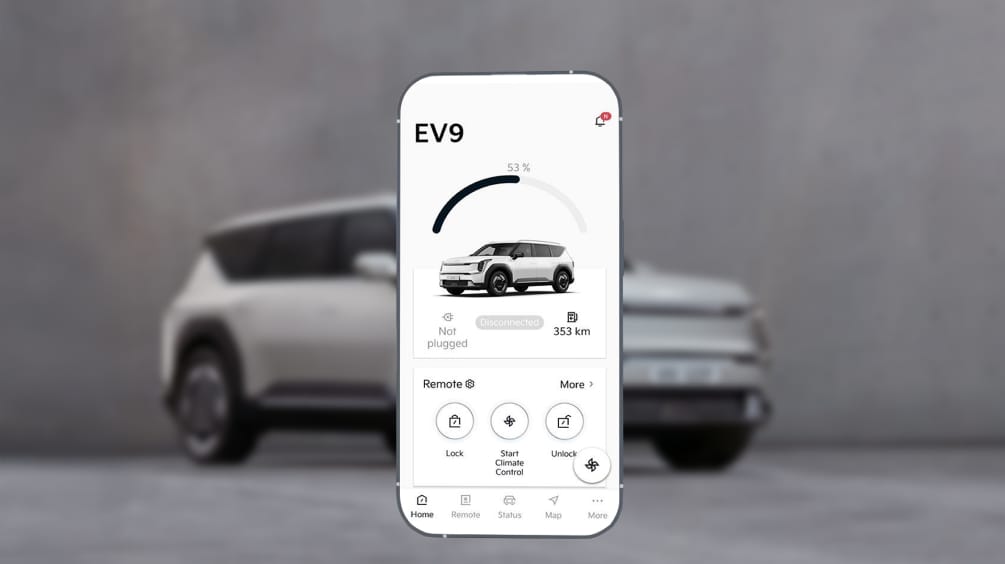
Step 4. Enjoy Digital Key Features
Enjoy the features!
• Lock/Unlock
• Climate Control (Remote Engine Start)
• Share it with your family and friends
• Lock/Unlock
• Climate Control (Remote Engine Start)
• Share it with your family and friends
- Digital Key 2.0 works with smartphones and smartwatches equipped with a UWB module.
If your device does not support UWB, Digital Key will use NFC technology (you will need to place your device near the door sensor to unlock your vehicle).
FAQ
-
Digital key 2 feature allows the driver lock/unlock the door of the vehicle without a traditional car key. The Digital Key can be stored and accessed through your smartphone (using the Kia Connect App or Wallet app) or compatible smartwatches, and provides a convenient, secure way to control your vehicle without needing a physical key. It also offers added security features, such as the ability to limit access to certain functions (e.g., remote start) for added protection. The availability of Digital Key varies by the model, spec, and country.
-
1. Install the Kia Connect App on your smartphone and log in with your account.
2. Register your vehicle.
3. Follow the instructions in the Kia Connect App, and enter your vehicle with your smartphone and smart key.
4. On the vehicle’s dashboard, navigate to the Digital Key section from the Main Home Screen by selecting:
[Setup] > [Vehicle] > [Digital Key] > [Smartphone Key] > [My Smartphone Key], and prepare your smartphone.
5. Open the Kia Connect App on your smartphone and select [Digital Key] > [Add Key].
6. Place your smartphone onto the wireless charging pad in the vehicle.
7. On the vehicle’s dashboard, tap the [Save] button on the [My Smartphone Key] screen.
-
Digital Key 2 can be shared with your family members and friends via Apple/Samsung/Google Wallet. Most devices equipped with NFC and UWB technology are compatible with the Digital Key feature.
-
One vehicle can share up to 16 Digital Keys, including the registered owner. (8 Smart watches + 8 Smart phones).
-
Kia Digital Key 2.0 uses NFC and Ultra-Wideband (UWB) technology. No network coverage is required after the initial setup. With Ultra-Wideband (UWB), you don't need to take your phone out of your pocket to access the vehicle.
-
Yes. The owner can navigate to their native wallet app to view the list of shared users and revoke access by canceling the shared Digital Key.
More Support is Available
- Kia Connect feature availability is subject to change depending on the vehicle model, trim, and your region.