Connectivity
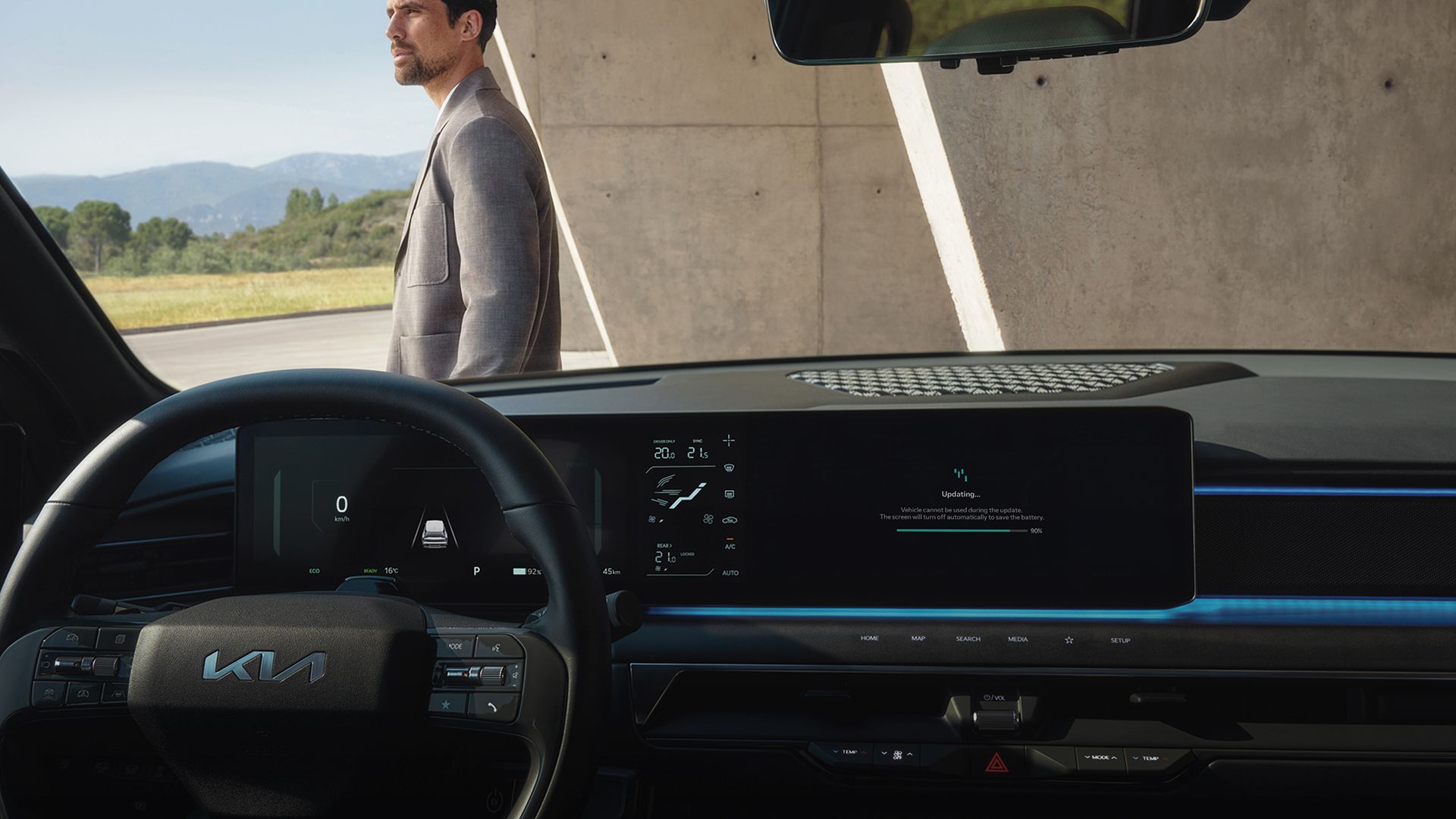
OTA Update
Enhancing your Kia with over-the-air software updates
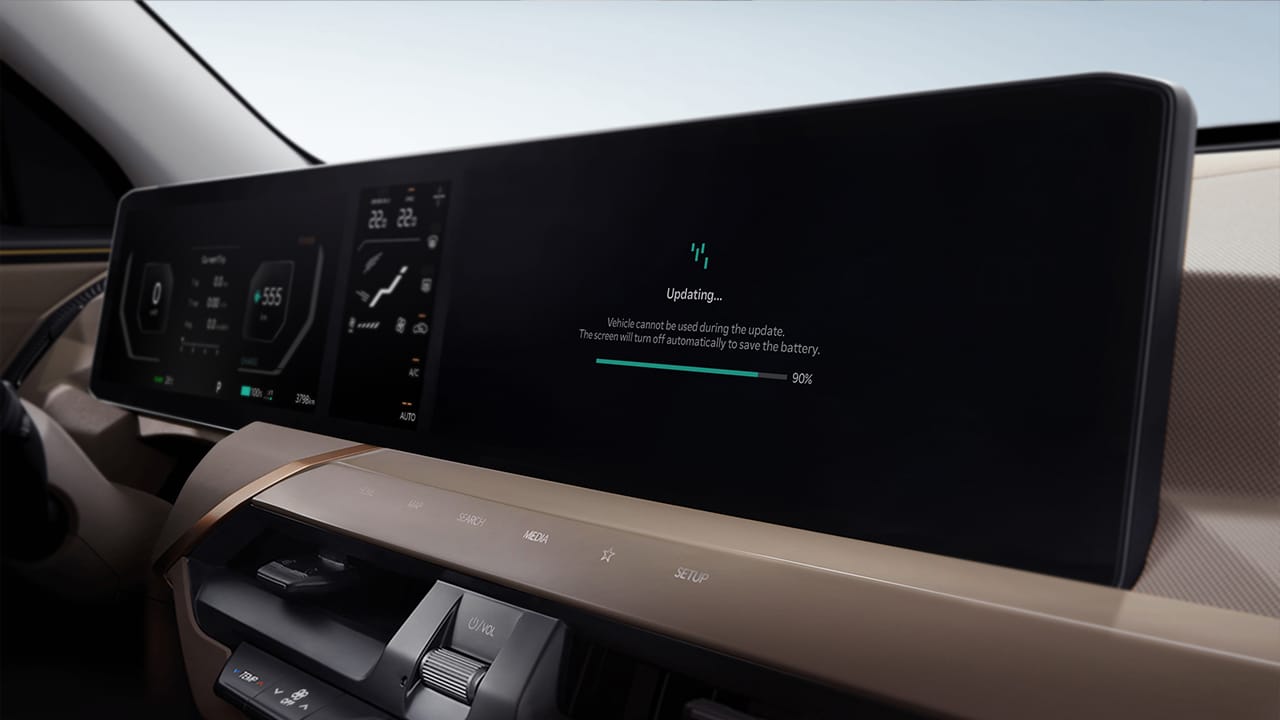
What are Over-the-Air Software Updates?
Over-the-Air Software Update is a technology that ensures your Kia is always up-to-date with the latest advancements. The technology updates software that controls key vehicle functions, such as powertrain, steering, suspension, electric motor, battery, airbags, and advanced driver assistance systems (ADAS). This results in optimal performance and safety, allowing you to enjoy your Kia like it's a brand new car.
Benefits to Customer
Experience the Feeling of Owning a New Car
Always feel like you're driving a new car with updated functions and features.
Save Time and Money
Save time and money by avoiding visits to service centers or dealerships and quickly resolving some software issues or recalls through updates.
Increase in Vehicle Value
Increase the residual value of your Kia by reducing the rate of vehicle depreciation through continuous software updates with new features.
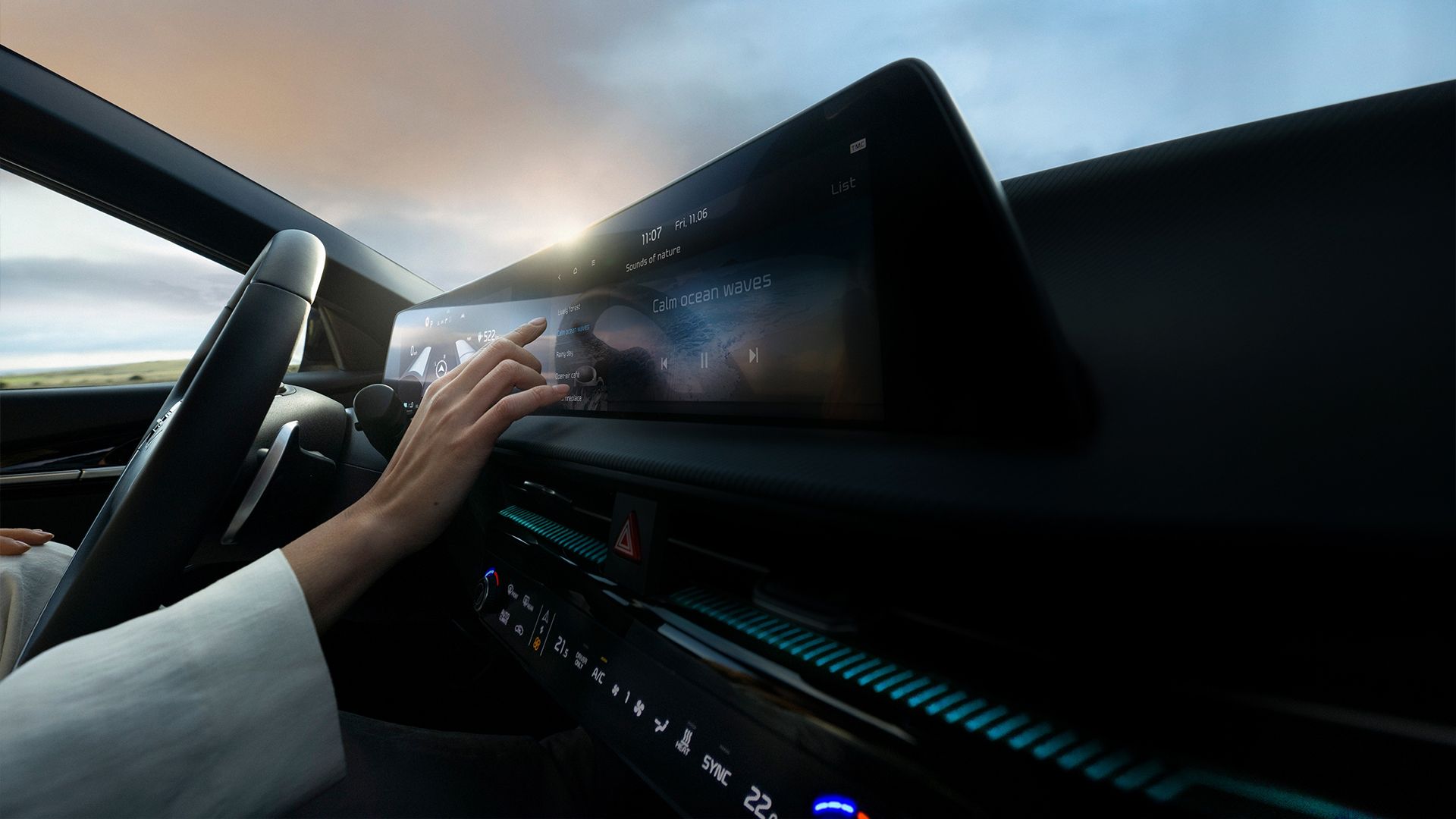
How to Update Your Kia's Software Wirelessly
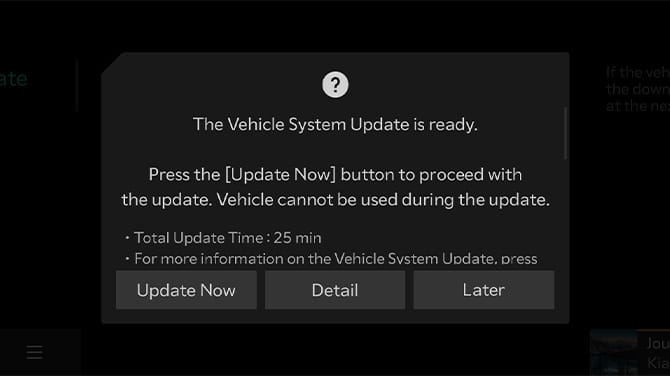
Step 1. Ready for Update
Your Kia's latest software version will be automatically downloaded while you drive if it's available. Once the download is complete and the engine is off, you can start the update by following the instructions displayed on the infotainment screen. Please note that the update items and starting time may differ based on your current software version.
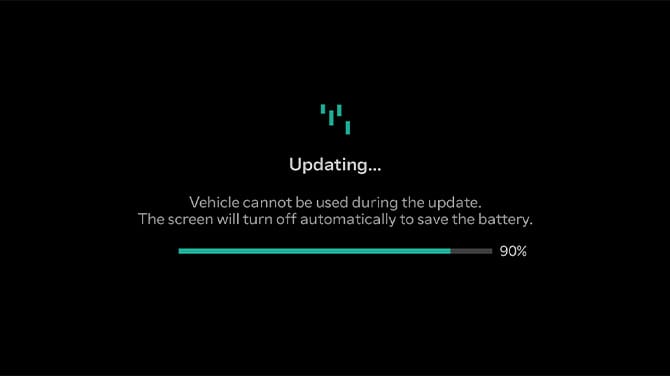
Step 2. Progress of the Update
You can check the progress of the update on your Kia's infotainment screen.
* During the update process, you won't be able to operate your vehicle. Make sure you have enough time before starting the update.
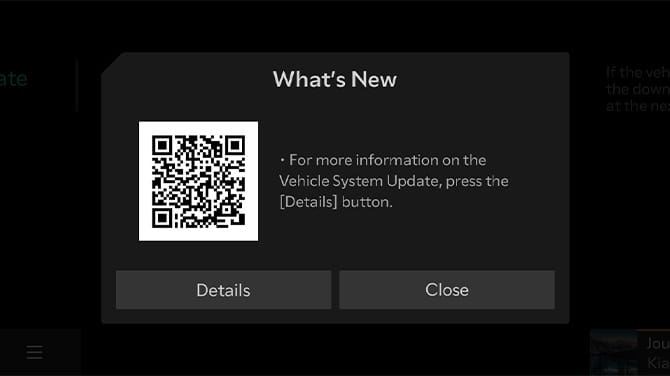
Step 3. Update Complete
Once the update is finished, you can check it by scanning the QR code on the infotainment screen or through the Kia Connect app.
More Support is Available